Physical cards, mobile wallets, and virtual IDs — one source of truth, in sync with every system that checks them.
A campus or enterprise identity shows up in three places — on a piece of plastic, in the wallet on the device, and as a scannable code on screen. CardSync and CardPulse keep them in sync.
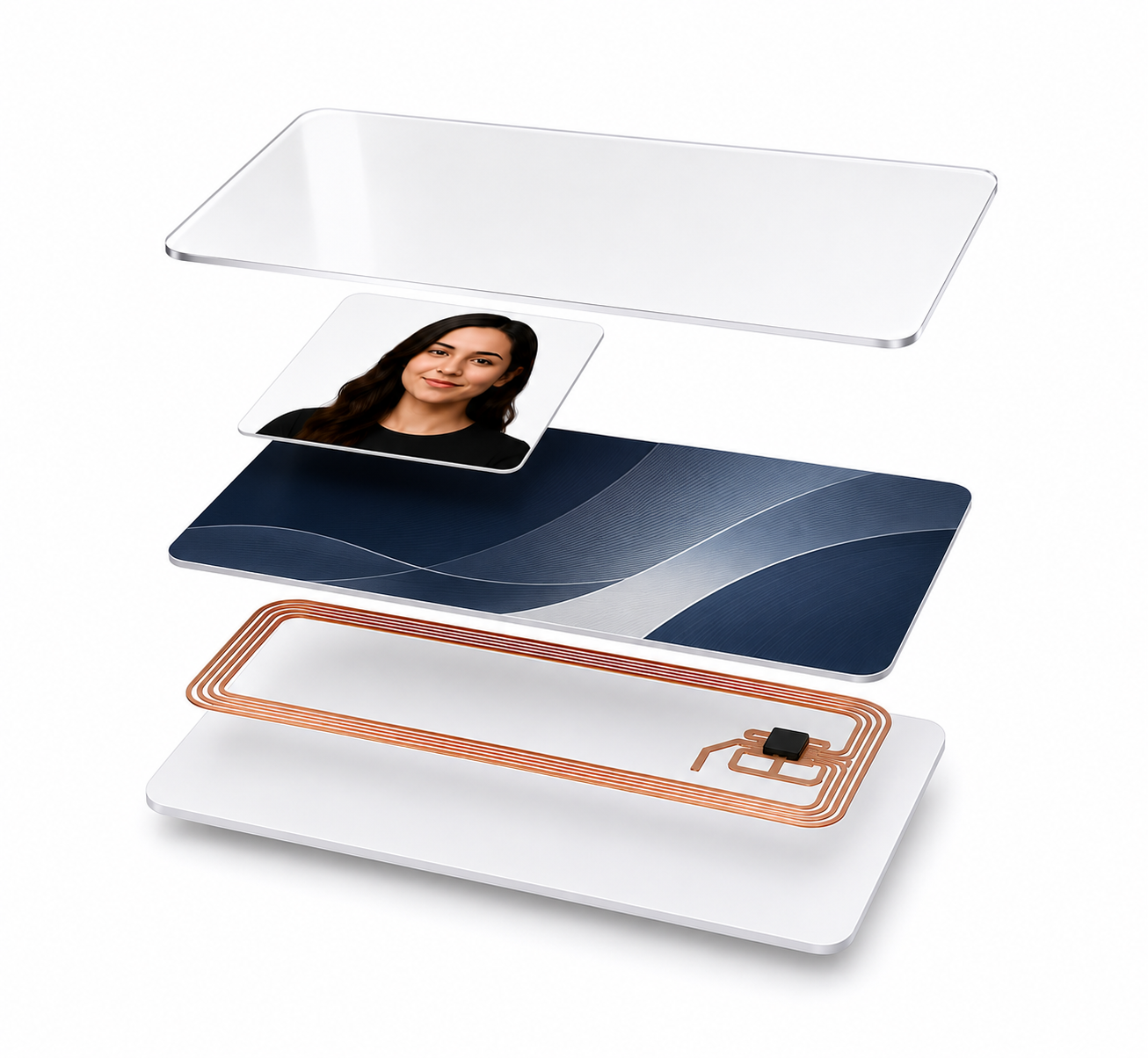
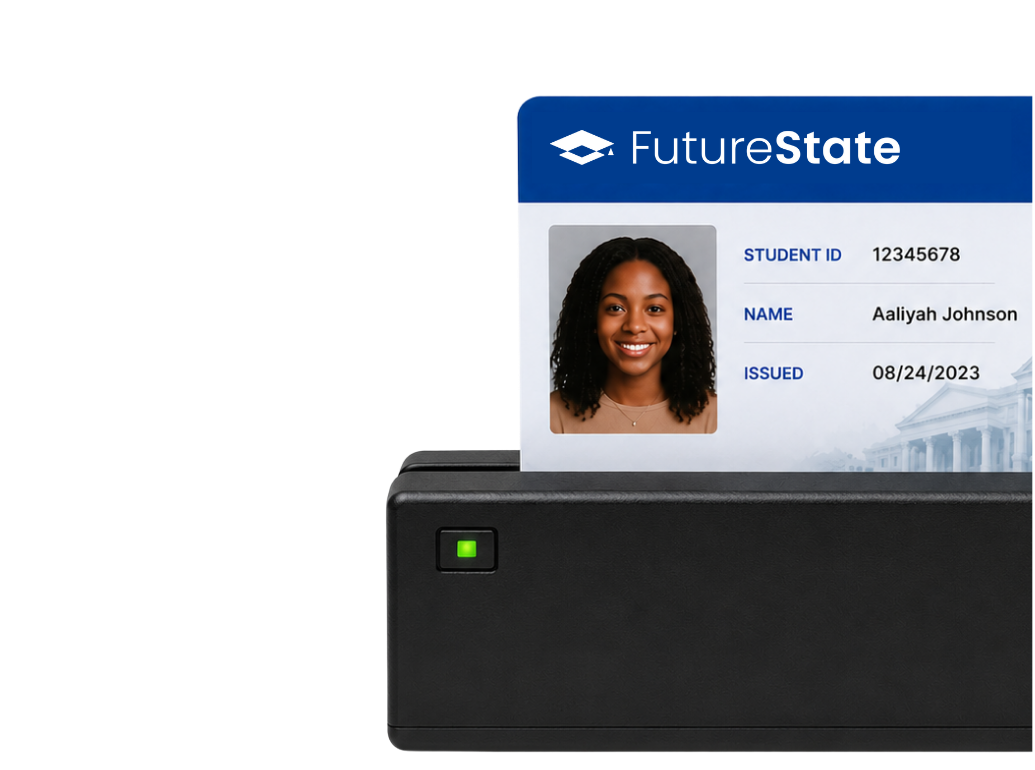
The longtime standard — printed and encoded campus cards, managed by your card-production and access systems.
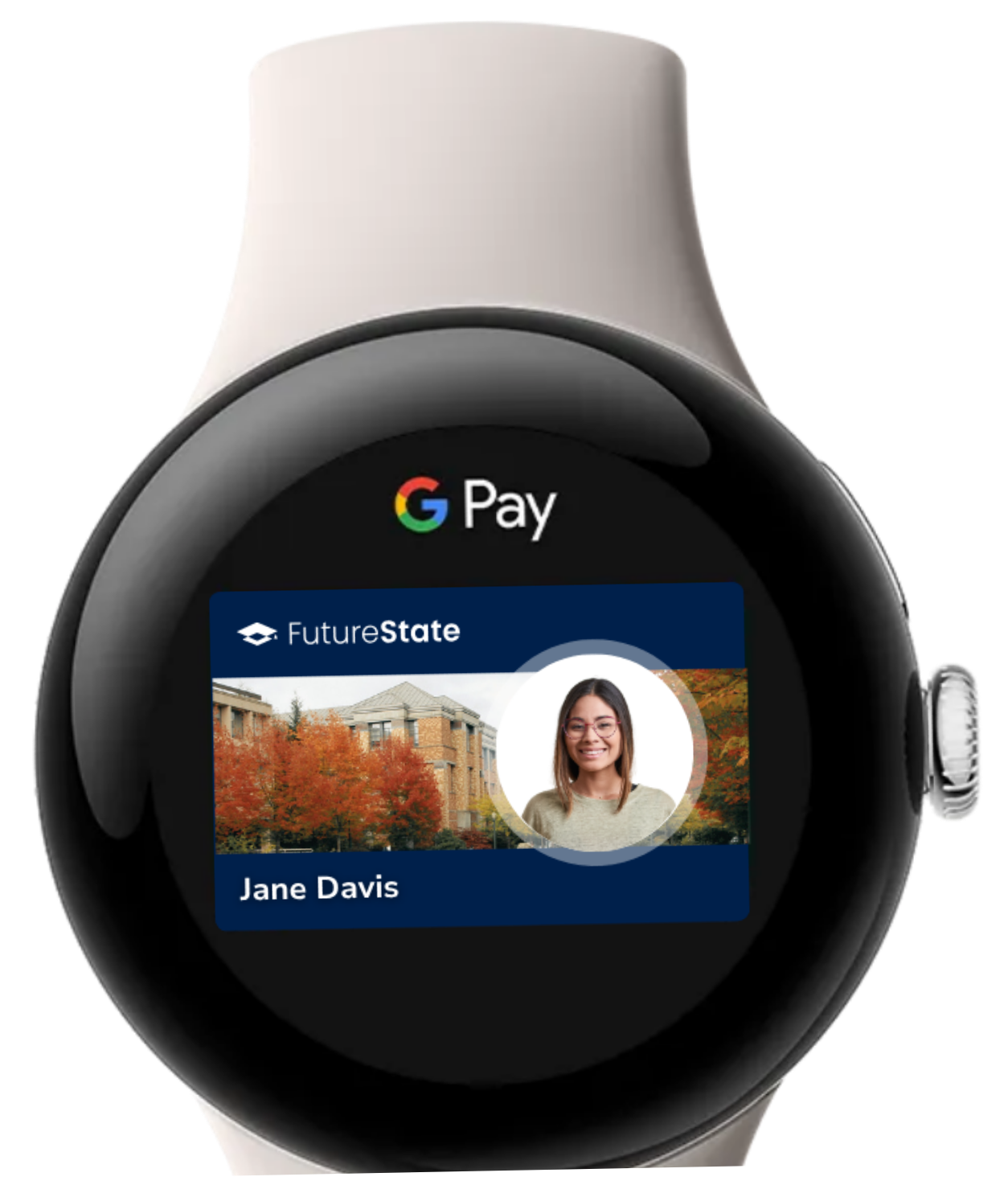
Jump to PhysicalIDs in Apple Wallet and Google Wallet, issued through the credential manager you choose and provisioned with AccessPass.
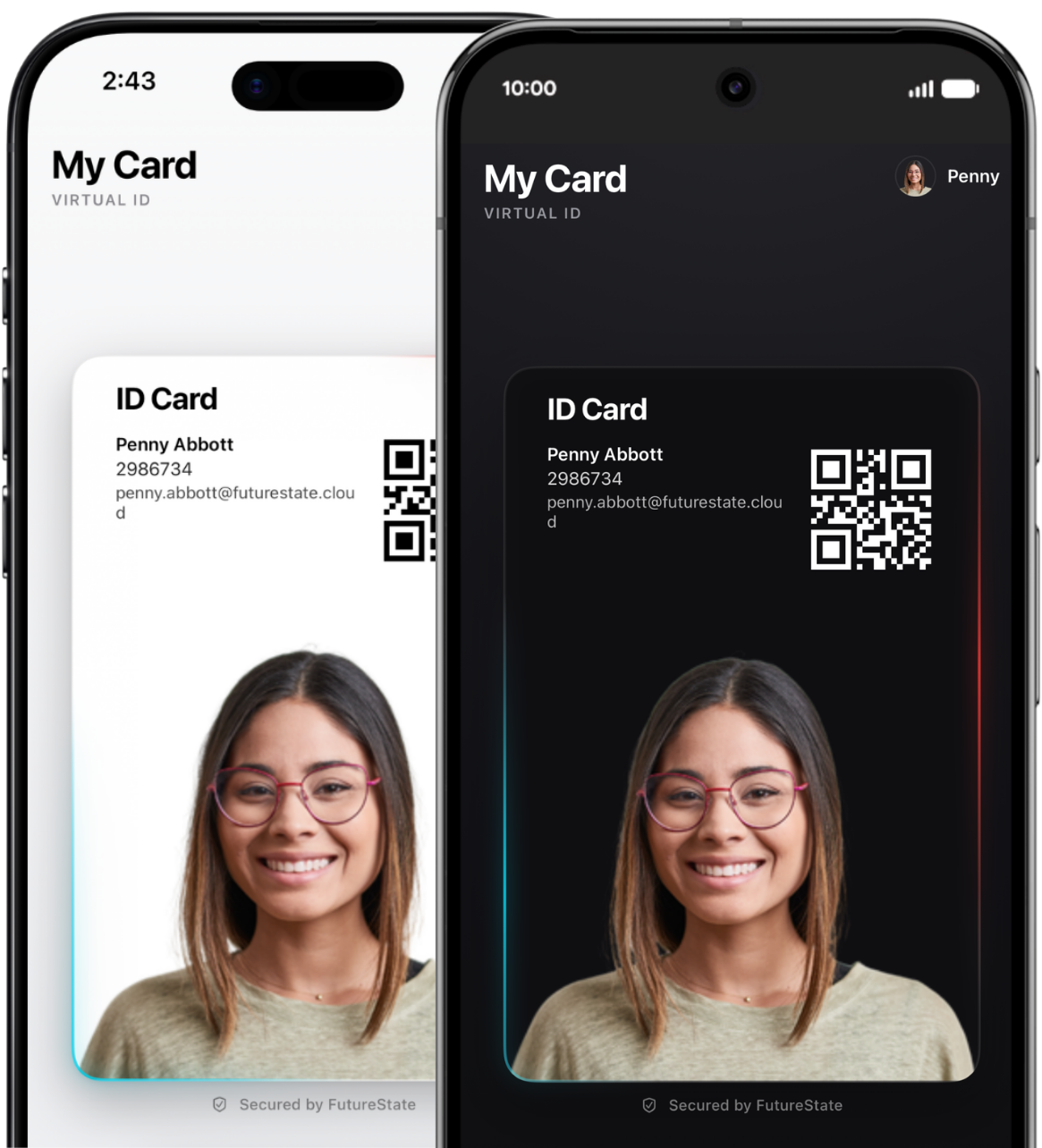
Jump to Mobile WalletAn in-app QR or barcode credential. Org-defined attribute or rotating CardSync-minted value — on any device with a screen.
Jump to Virtual ID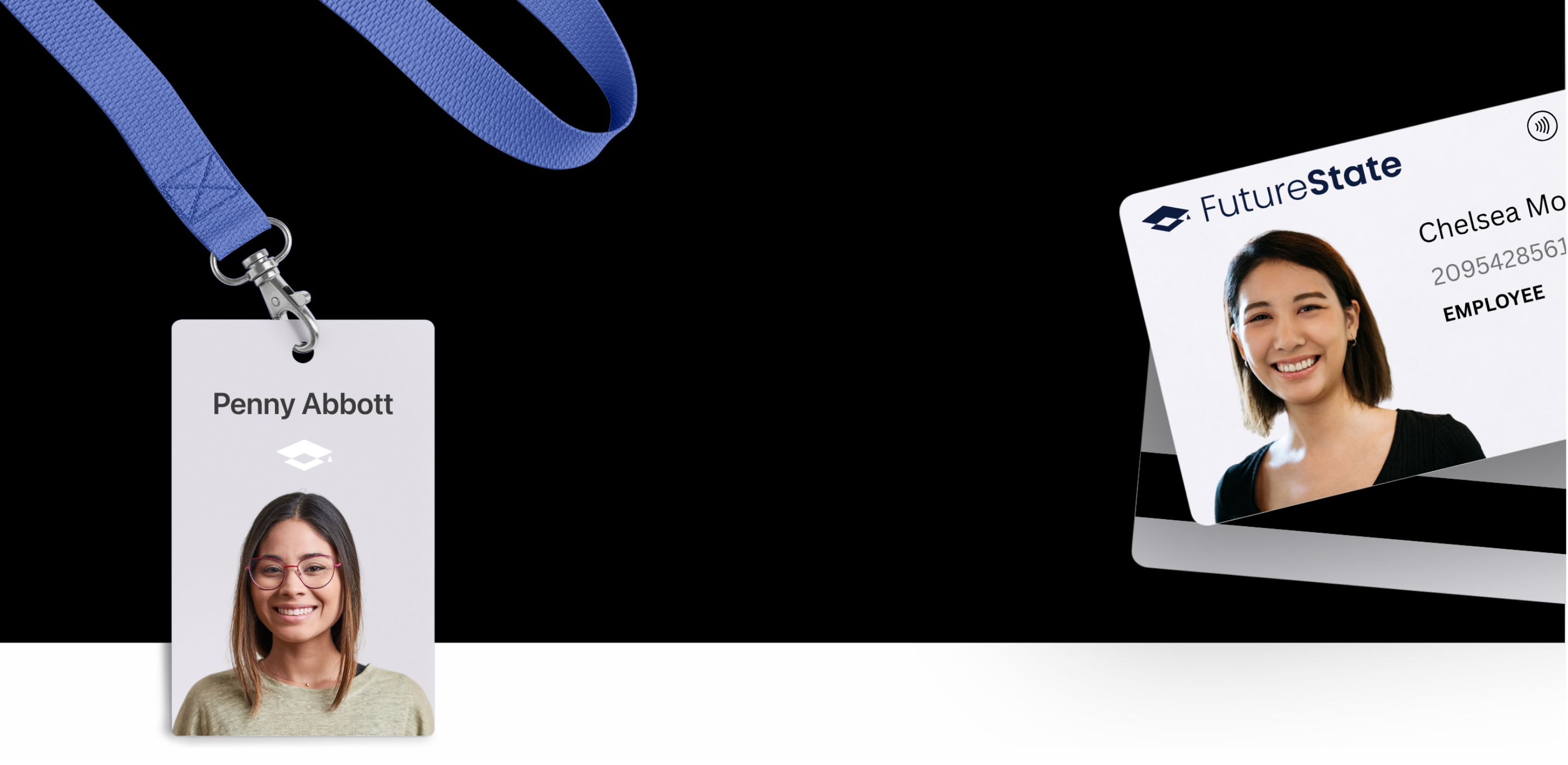 Physical ID.
Physical card production stays with the issuance partner you already trust. CardSync plugs in — data flows, encodings match, and every reader on campus sees the same source of truth.
Provisioned into Apple Wallet and Google Wallet by the credential manager you choose — not us. CardSync keeps issuance, revocation, and downstream systems in real-time sync.
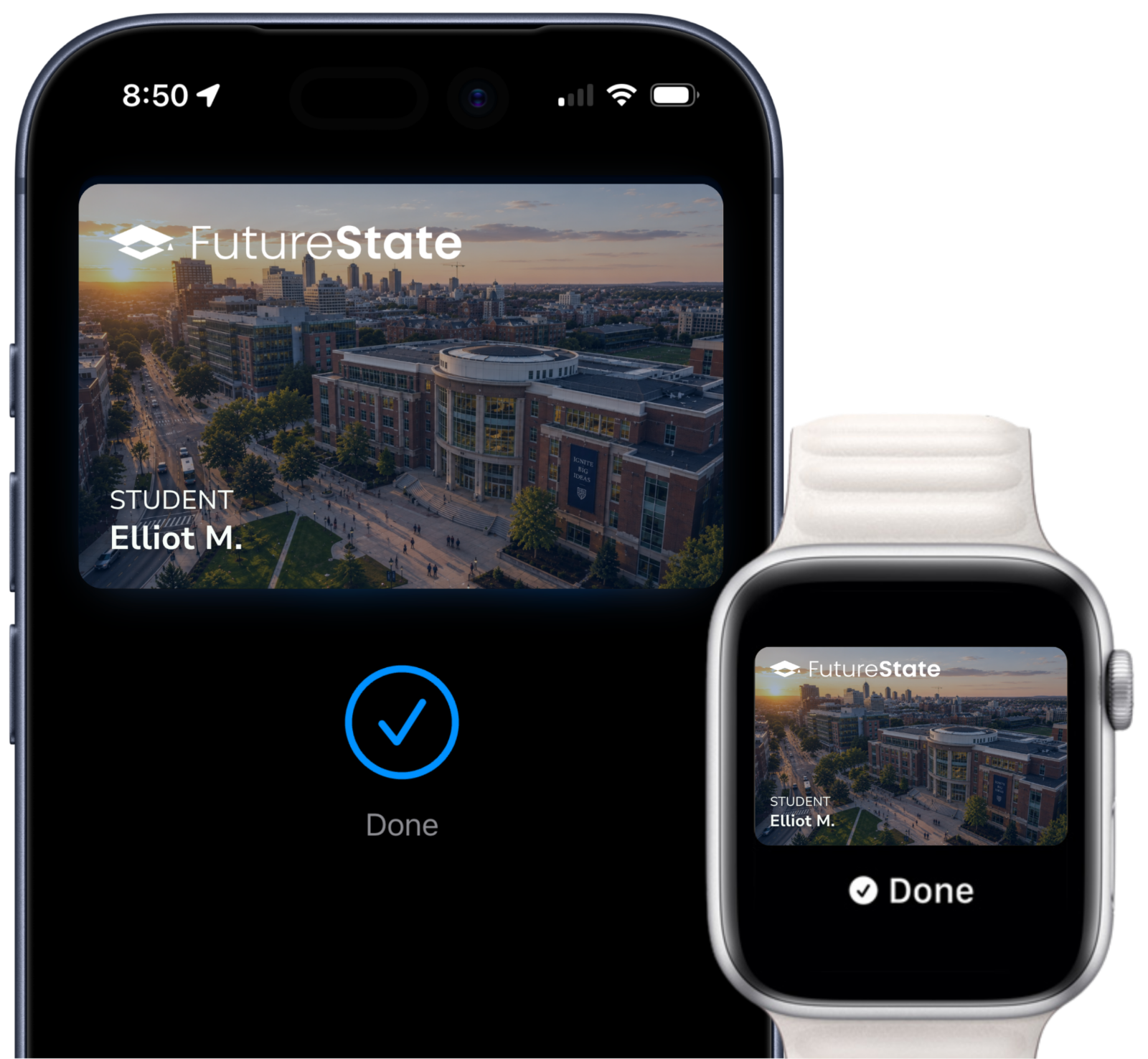
Everything their plastic ID does. Now without the plastic. Open doors, pay at dining, check in at events and more.
Everything your plastic ID does — on the phone or watch already in your hand. Doors, dining, transit, events, and so much more.
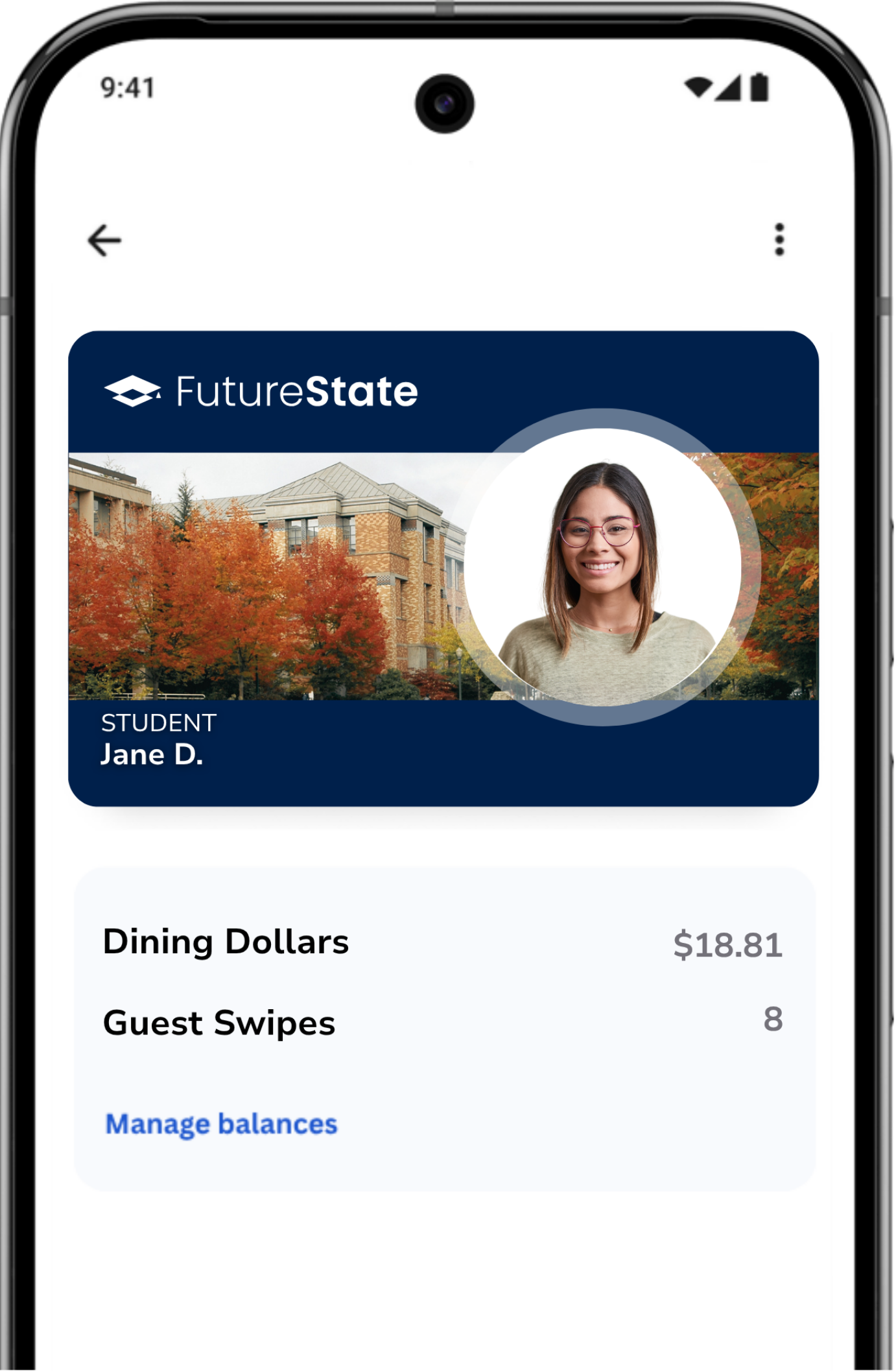
An in-app credential built around QR codes and barcodes — use the FutureState app, or replicate everything you see here in your own via our SDK.


Both modes ride on the same Virtual ID — switchable per population in CardPulse.
Pick any value on the cardholder record — student ID, replicated card number, email, or a custom attribute — and that’s what every scan resolves to. The same code every time, ready for the systems that already know how to read it.
Set the rotation interval — seconds for high-trust check-in, minutes for class attendance, days for an event pass. In the FutureState app, users self-configure. Via our SDK, your app calls CardSync for a fresh value on its own cadence. Either way, every scan validates against the live record in real time.
Every Virtual ID carries a subtle, animated element that only renders on the device displaying it. Try to screenshot it and the motion stops cold — scan staff spot a stale copy at a glance.
Scan straight from the home-screen widgets, or one-tap launch to the code from the lock-screen tile.
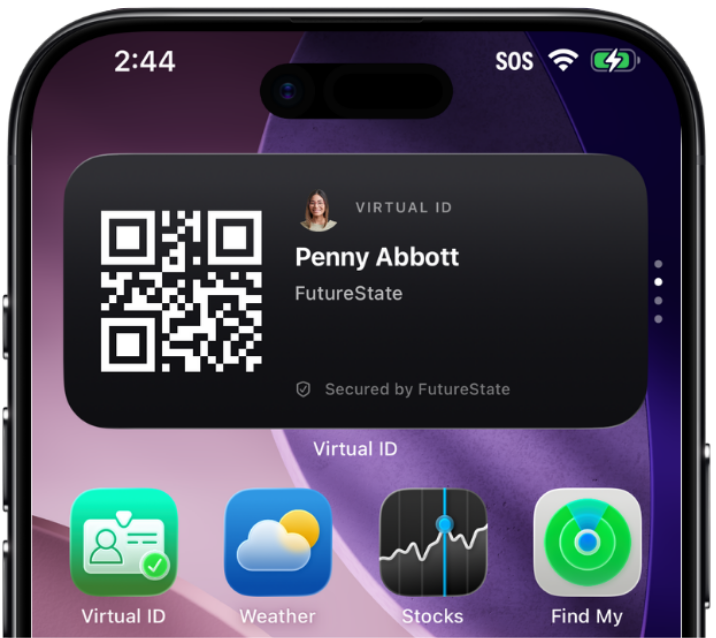
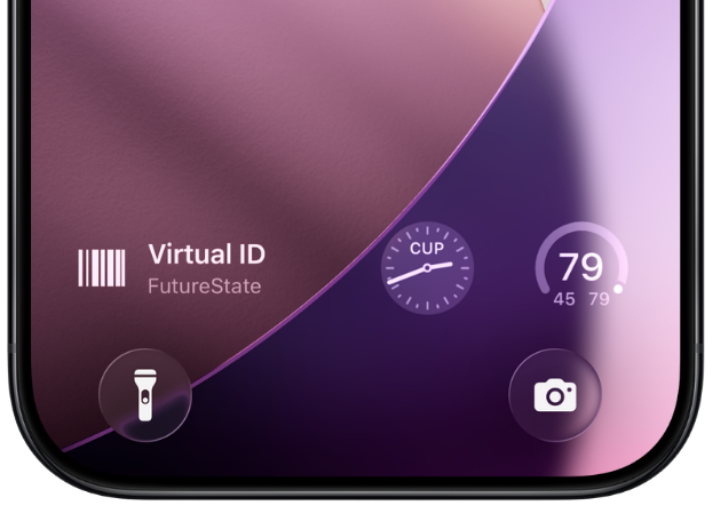
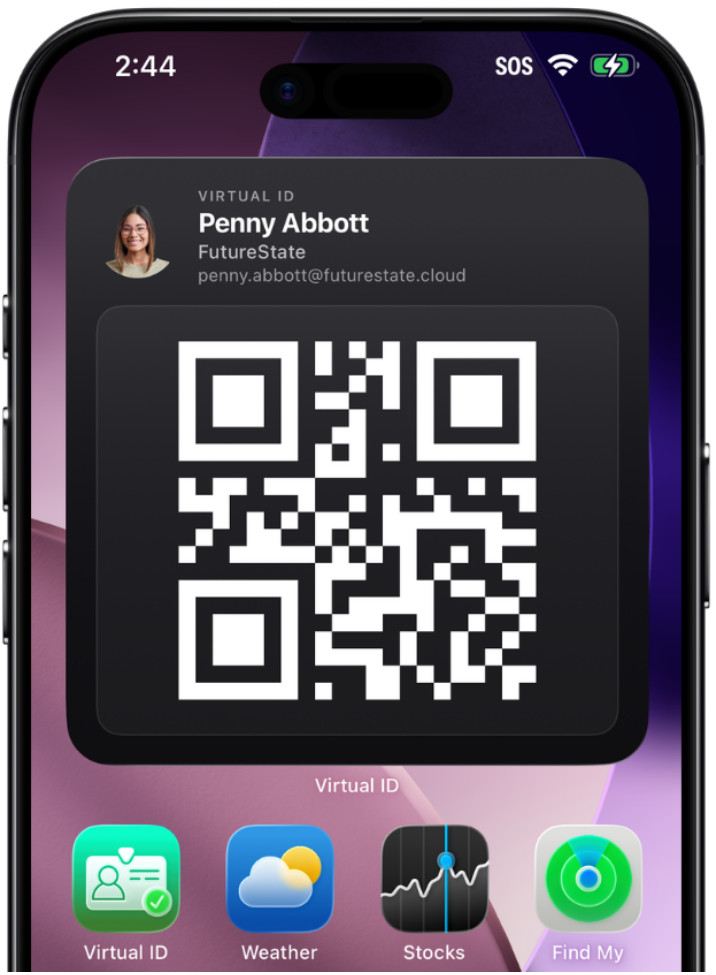
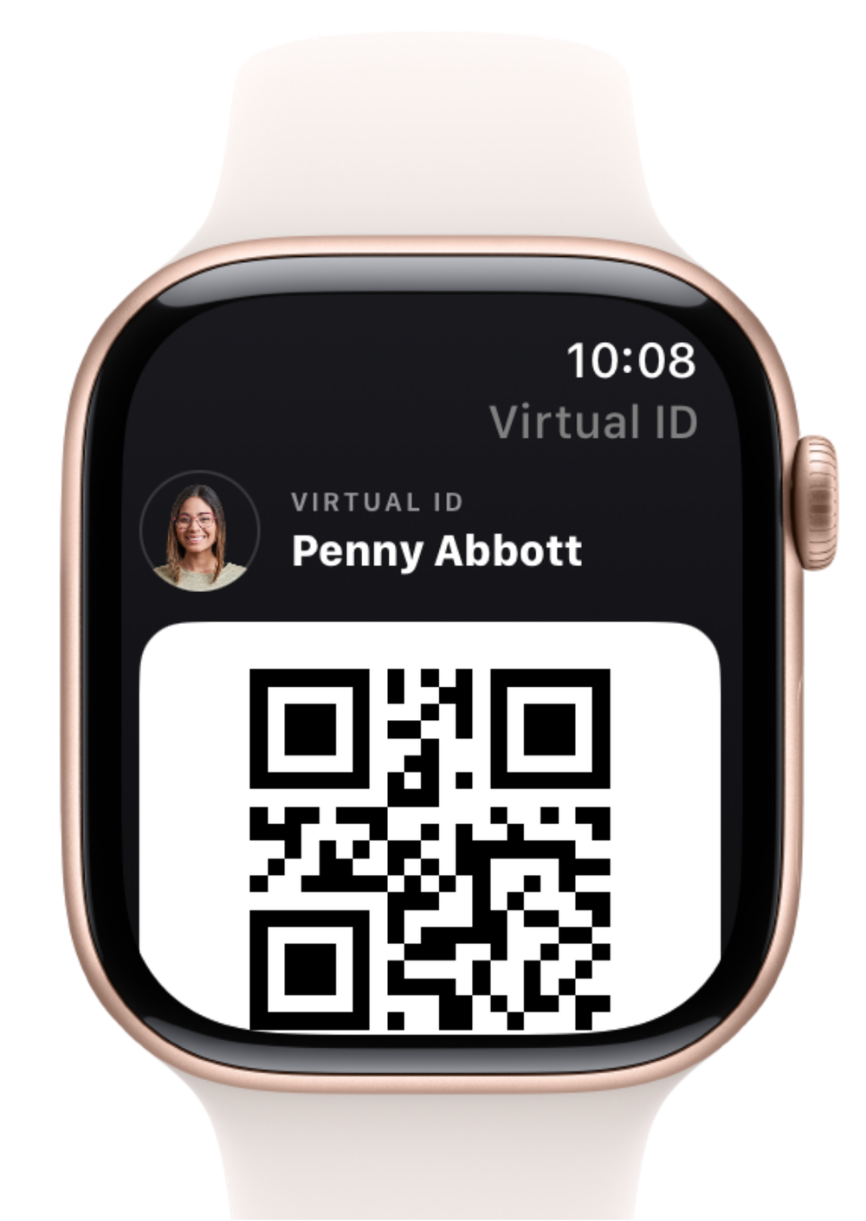
Your credential, raised on the watch face. No reaching for a phone — just open the Virtual ID app on Apple Watch and scan.
Virtual ID is not the future but it’s a great bridge from legacy cards to a mobile option while getting ready for what’s next. Quick to deploy, no provisioning, minimal hardware dependencies — then graduate the same population to Apple Wallet and Google Wallet on the same CardSync record. Same identity. Same source of truth.

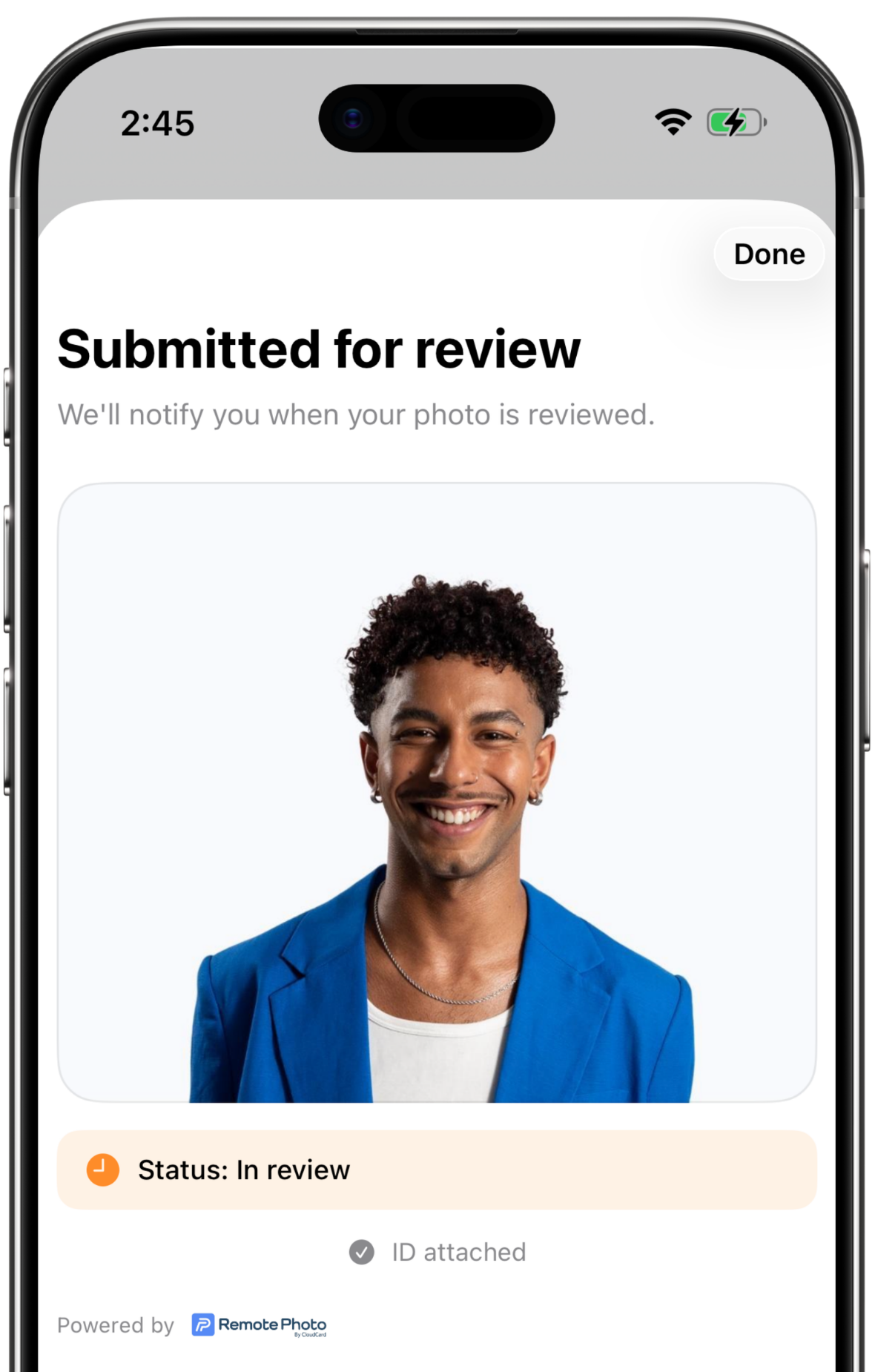
RemotePhoto by CloudCard is deeply integrated for photo submission across the FutureState platform. Every user-facing FutureState mobile and web app can capture and submit photos through the same trusted workflow.
Approved photos flow into CardSync, which distributes them in real time to every downstream system that needs the photo — ID card production, mobile credential managers, SIS / ERP, and more.
Learn more about RemotePhoto*Requires a RemotePhoto license.
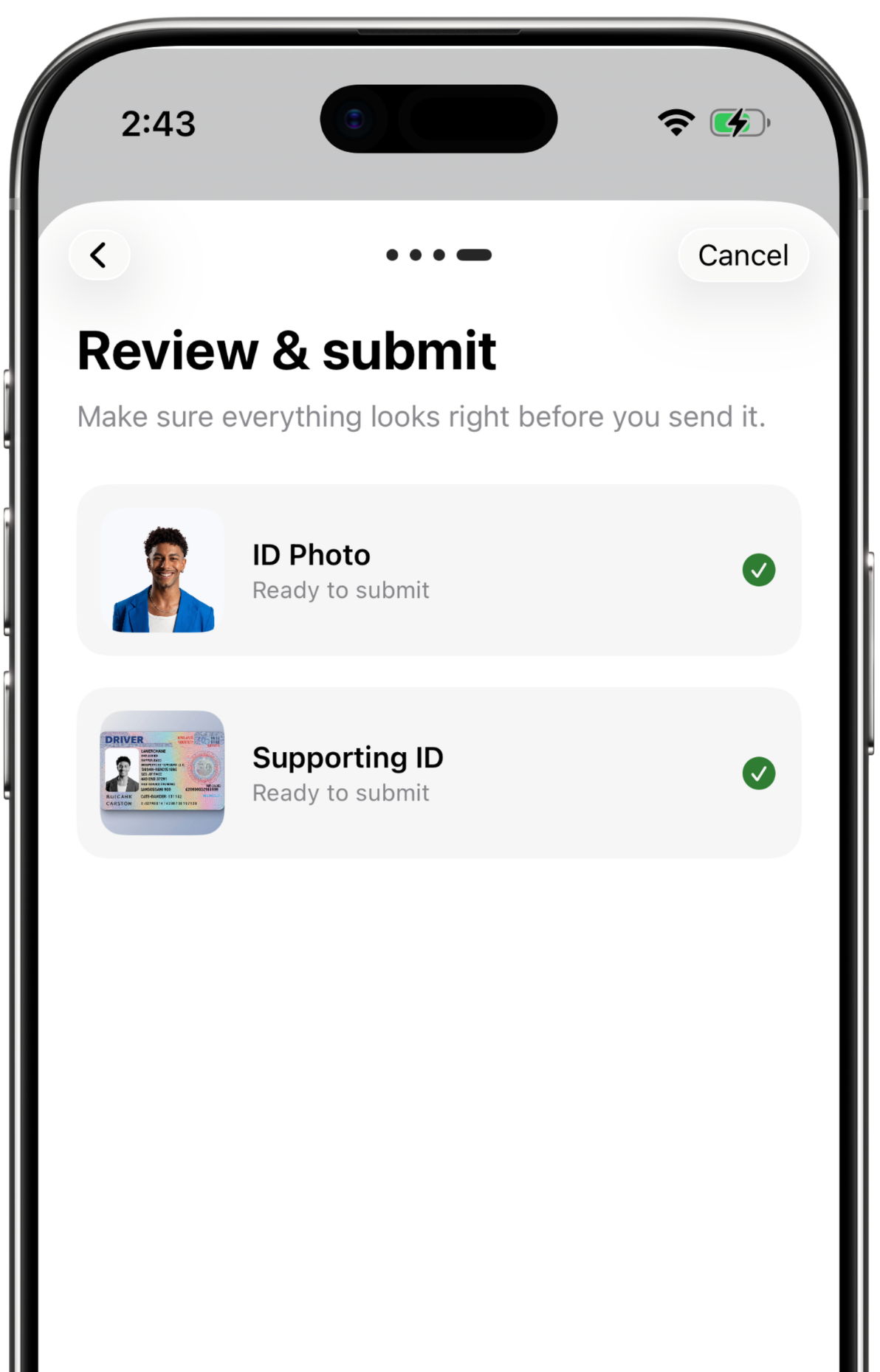
Once a credential exists, our products keep it accurate, observable, and usable everywhere on campus.

The real-time credentialing engine — keeps identity in sync across every connected system.
Explore CardSync
The command center — live monitoring and integration health for every credential event.
Explore CardPulse
Tap-to-check-in readers — turn any iPad into a card-tap reader for attendance and access.
Explore RollCallBundled campus-card platforms tie credentials, commerce, and every integration into one proprietary suite — so changing one thing means changing everything. FutureState does the opposite. CardSync is the open hub; your credential managers and wallet providers are interchangeable spokes that you choose. Swap a partner without rebuilding your stack — your data never becomes a vendor’s moat, and we’re right there to make any move effortless.
See how FutureState issues, monitors, and verifies campus credentials across every system you run.