

Modern UI
UI for today’s users.
BalanceU delivers a true modern, mobile-first experience for meal plans and stored value — the polish students expect from the apps they already love.
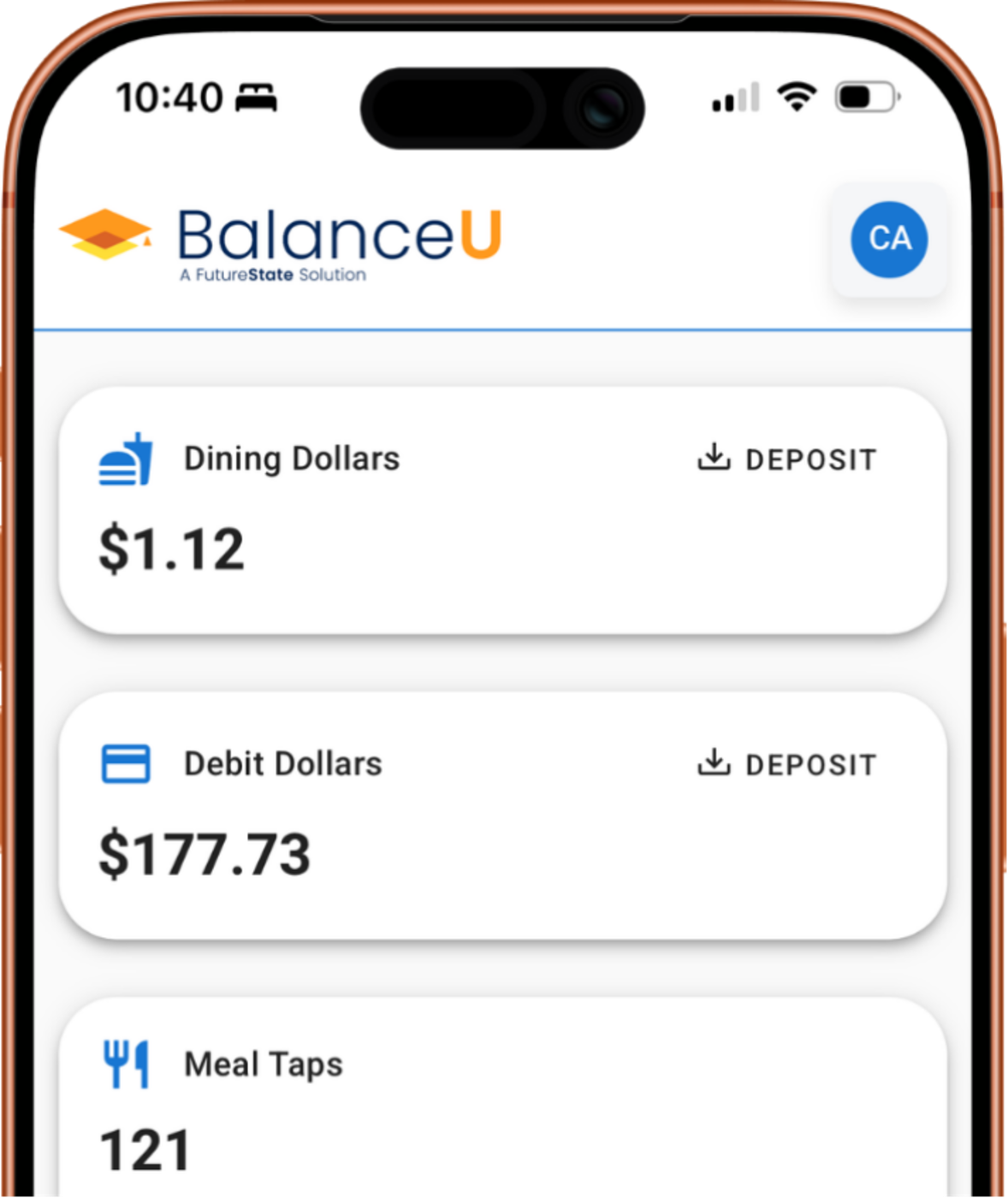


A mobile-first experience for students and an easy console for the card office.
Real screens, real interactions — built mobile-first for the device students actually live on.
BalanceU delivers a true modern, mobile-first experience for meal plans and stored value — the polish students expect from the apps they already love.
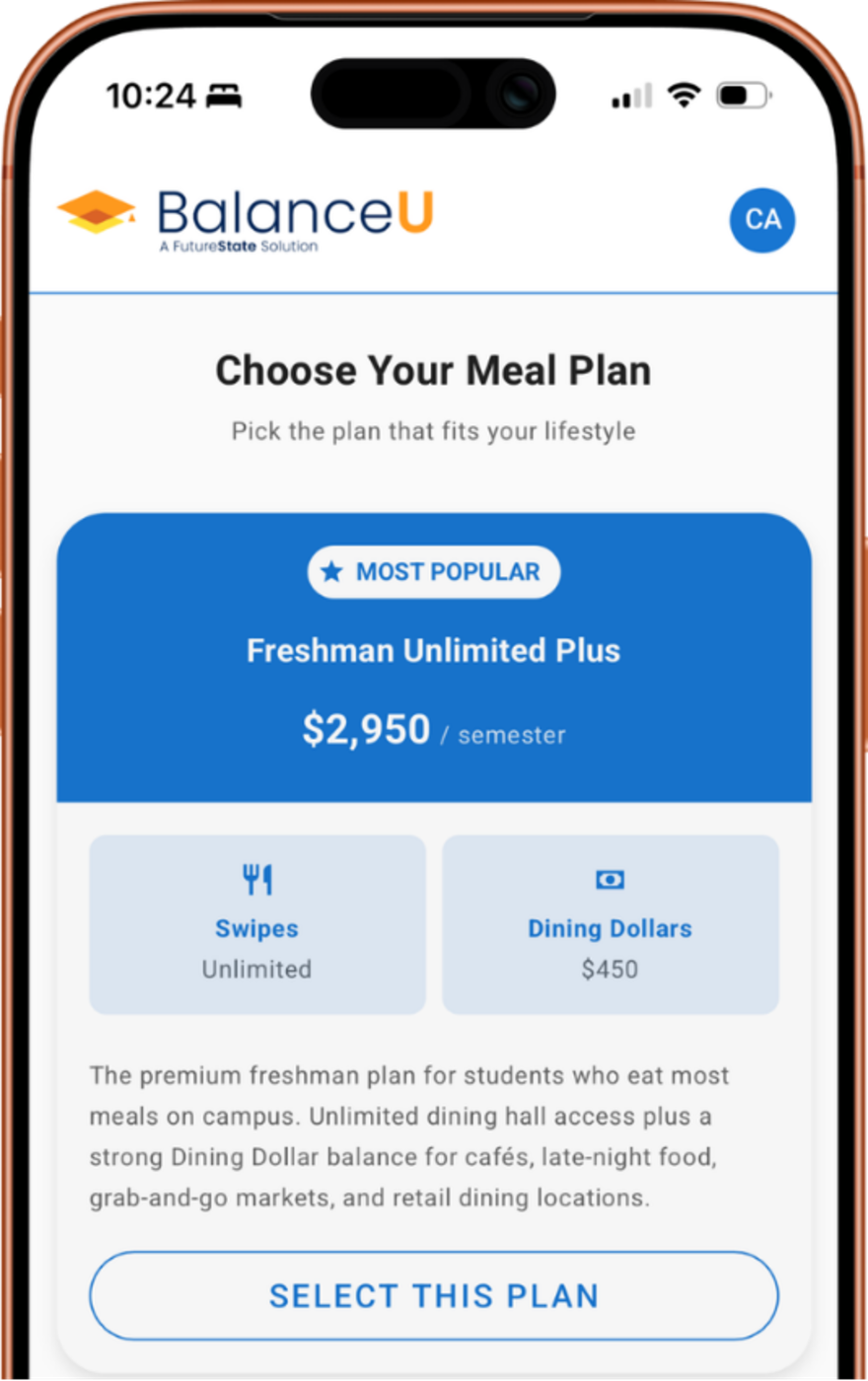
Users can easily see, select, or change meal plans based on eligibility — with plan details, prices, and what’s included spelled out before they choose.
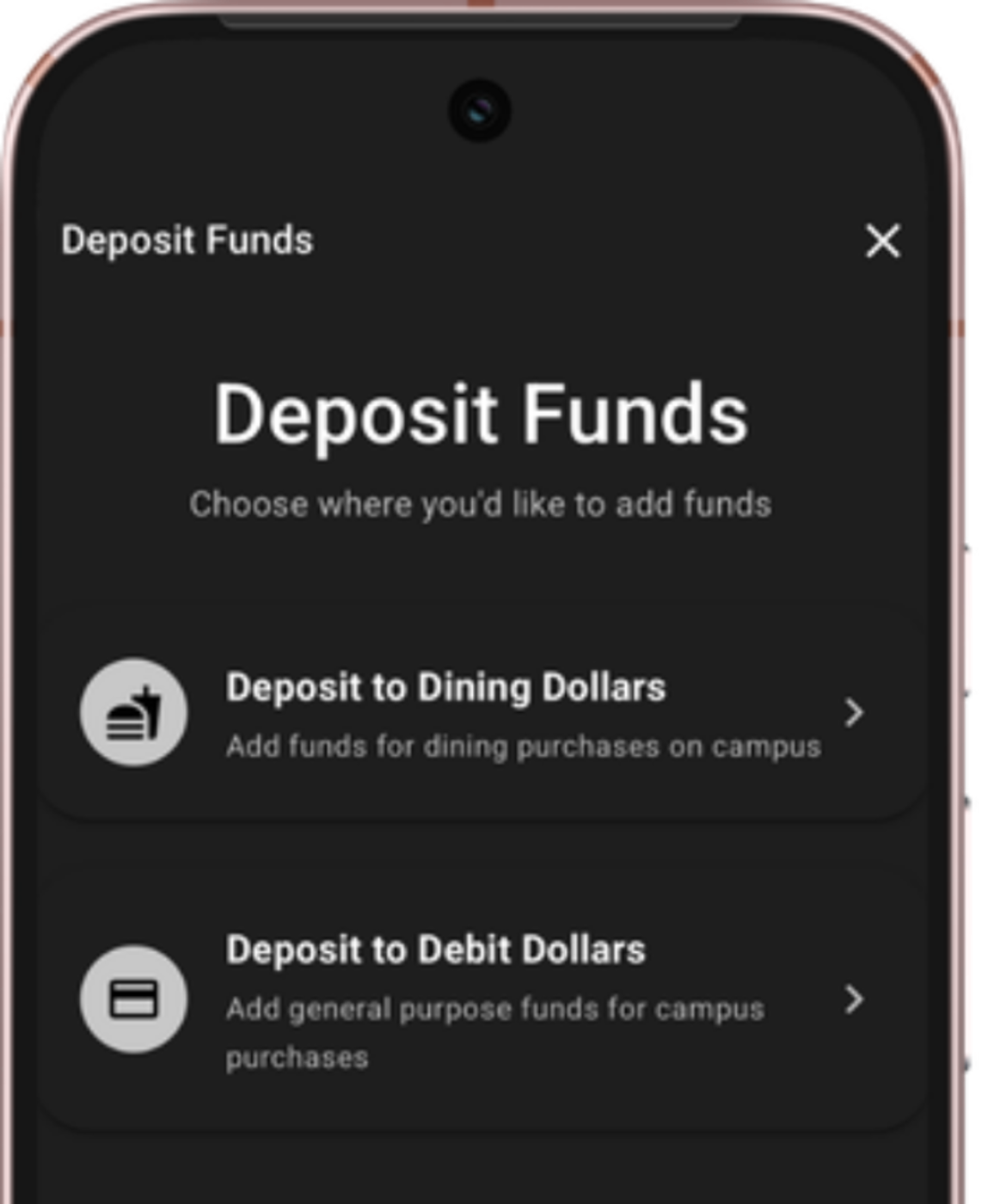
Depositing funds has never been this easy. Choose the balance, tap an amount, and you’re done.
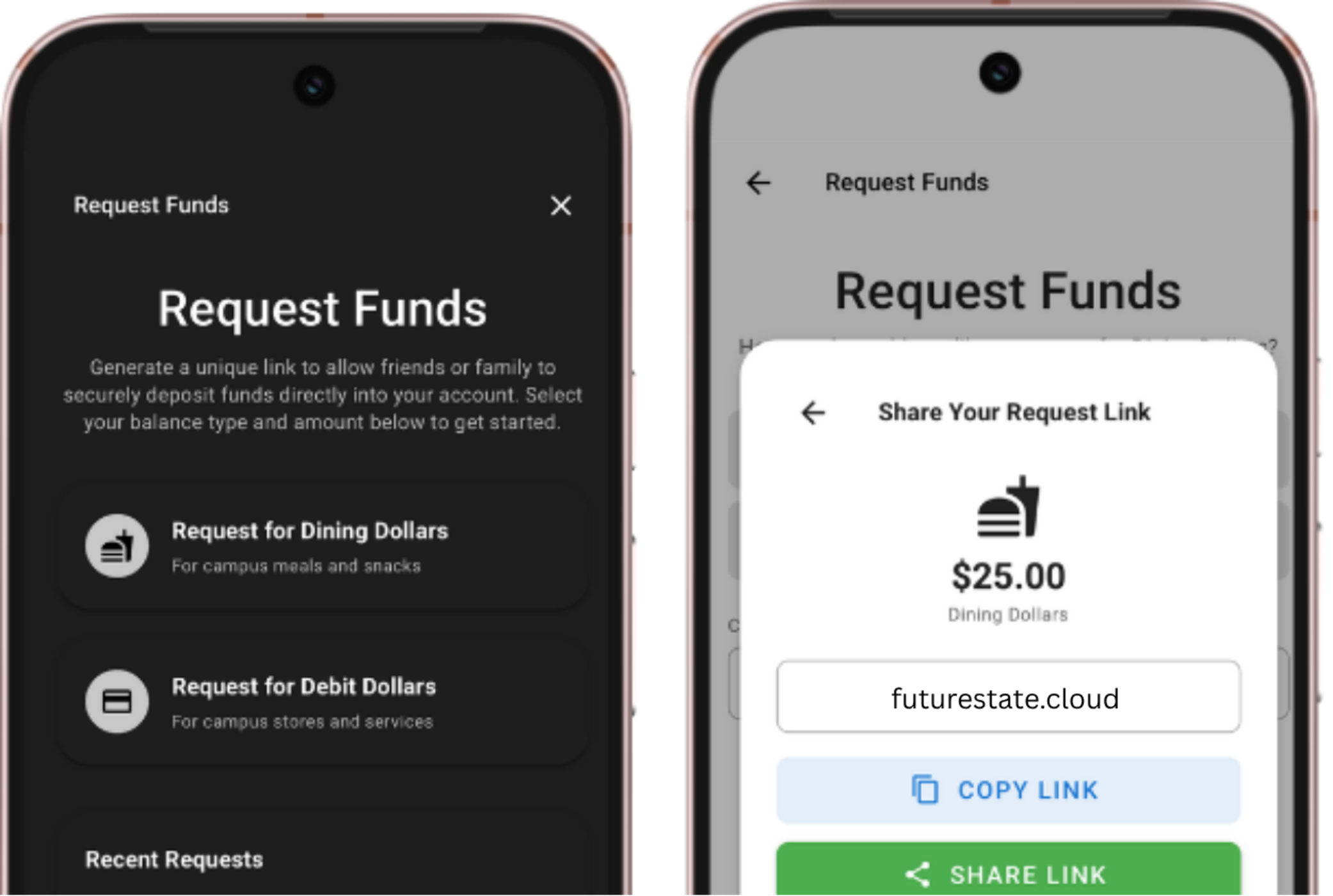
Requesting funds is now as simple as a text. Generate a unique link and share through Messages, email, or AirDrop — whoever you send it to can deposit without an account.
University-branded, modern, and built for the device they actually live on. Real-time balances, instant deposits, and a lost-card hold their thumb can reach faster than they can find their wallet.
Dining Dollars, Debit Dollars, and Meal Taps update in real time as they swipe.
Instant hold from their phone. No call to the card office, no overnight waiting.
Students authenticate through your SSO — no separate passwords, no second account to manage.
Identical experience on iOS, Android, macOS, Windows, ChromeOS — same URL, same code.
Generate a unique link and share through Messages, email, or AirDrop. Whoever they send it to can deposit without an account.
The admin console where meal plan offices run the whole program — eligibility, plans, commerce, and operations — with real-time control, cloud flexibility, and a UI that makes it feel simple.
Populations built directly from your SIS / ERP. Eligibility, restriction, and lifecycle rules bind to the populations — no spreadsheets, no scripts.
Complex plans built in the UI — buckets, schedules, pricing, populations tied together. We dare say you might have fun doing it.
Merchants, locations (tied to your GIS or other source), items, and terminals — all configured from BalanceU. Beta
Custom dashboards and one-tap actions — refund, sweep, freeze, deactivate — surface the information you need a click away.
Create your university theme once — and have it apply across your entire ecosystem.
Here’s where things stand this week.

BalanceU leverages the Trove® Gateway to integrate with existing point of sale, vending, and unattended solutions — so every dining and retail station you already run is ready to accept campus balances.
Learn more about Trove











BalanceU runs on the same identity layer as every FutureState Solution.
See how BalanceU modernizes meal plans and balances on your campus.