

App Clip
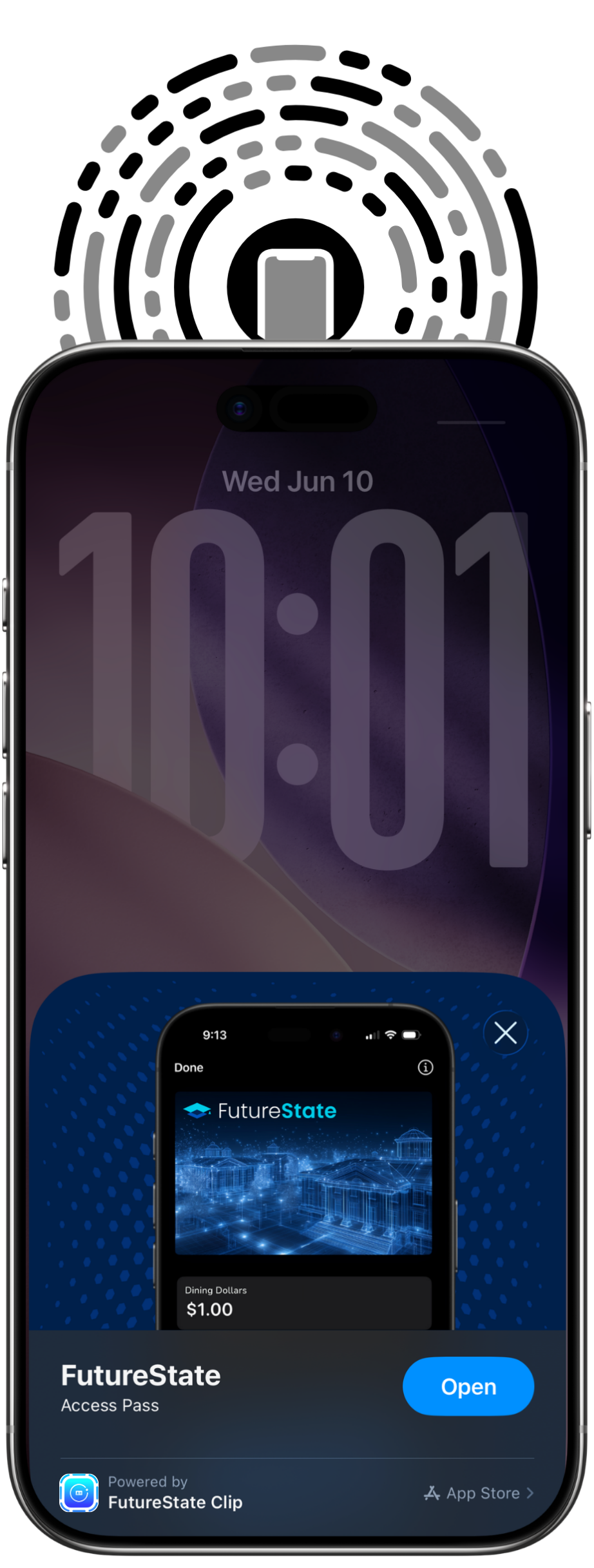
Tap, scan, or open a link.
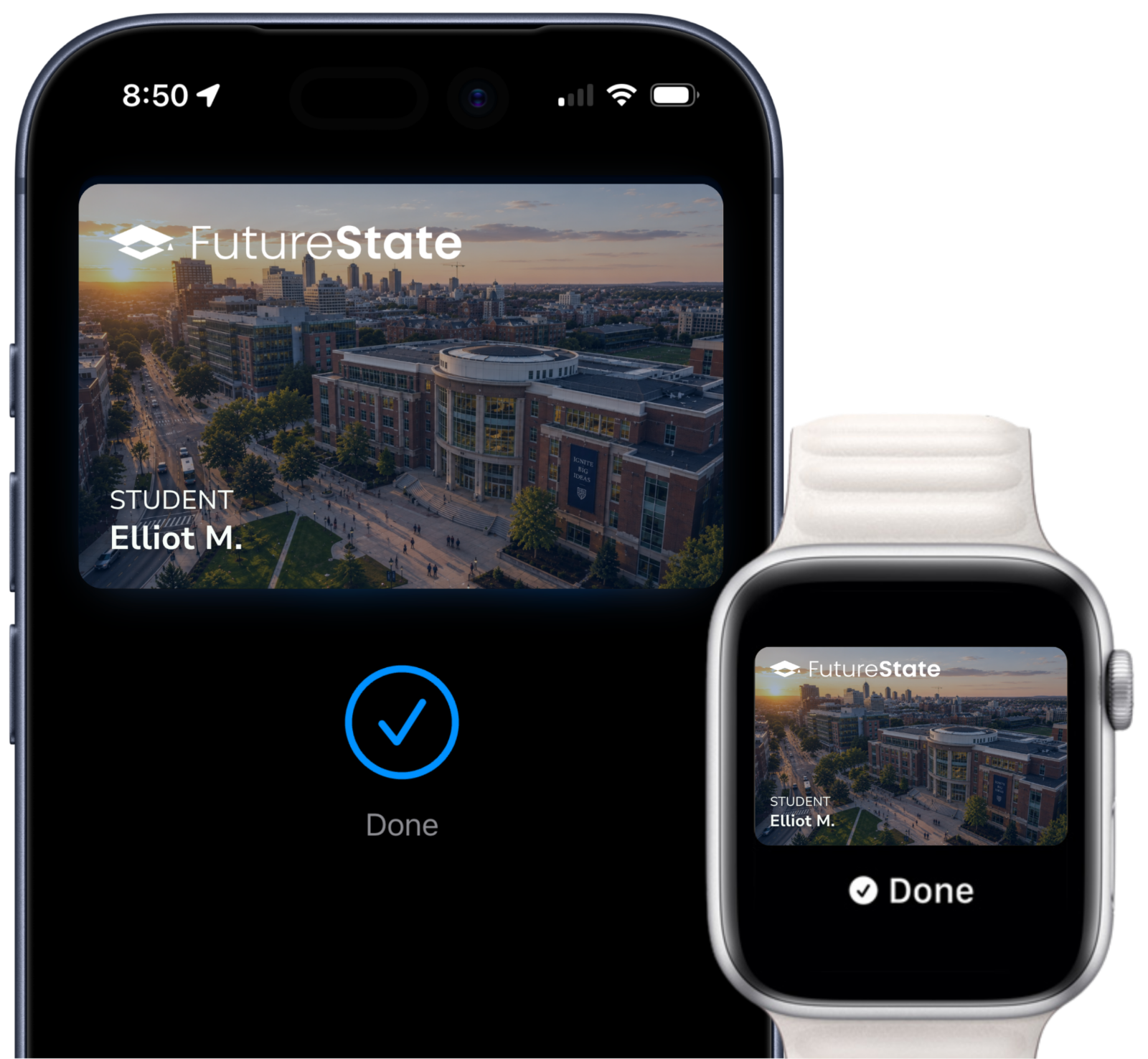
No full app download. Tap an NFC tag, scan a code, or open a branded link — Add to wallet in under a minute.

Everything your plastic ID does. Without the plastic.
Tap your Apple Watch.
You’re in.
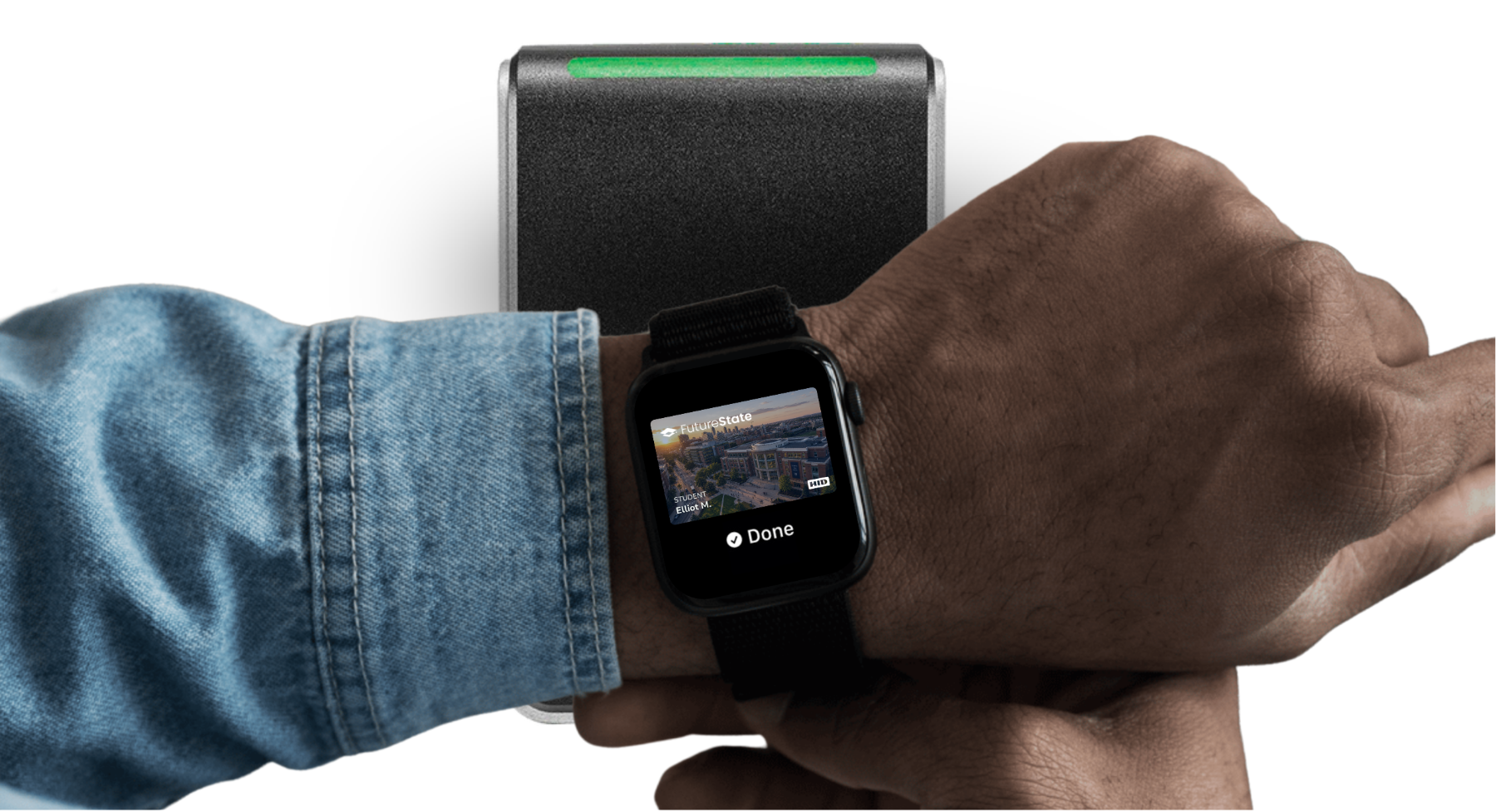
Add your eligible student ID to Apple Wallet and use iPhone or Apple Watch anywhere your ID is accepted — on and off campus. Hold your device to the reader to get into your residence hall, the library, and school events. Pay for laundry, snacks, and dinners nearby, too — with a tap.

Replace the plastic badge that hangs off your waistband or clips to your shirt. With your eligible employee badge in Apple Wallet, use iPhone or Apple Watch to badge into the office, access the fitness center, and pay for a meal at the company cafe — all from the device already in your hand.
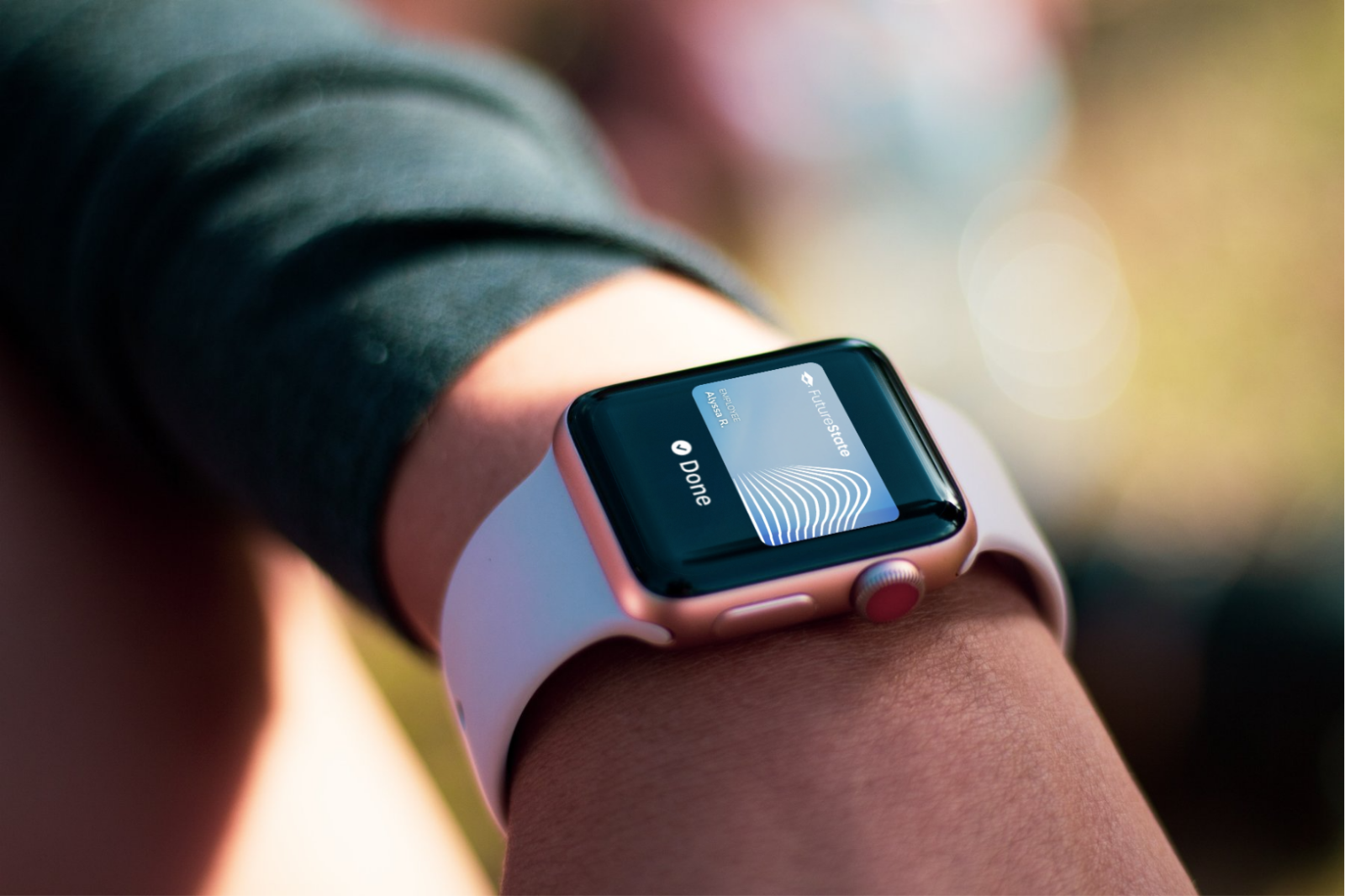
Credentials are protected by the Secure Element and Face ID and/or Touch ID.
Tap, scan, link, app — pick the path that fits your campus. From the moment a user signs in with your SSO, App Clips and the FutureState app are fully branded to you — even the App Clip pop-up itself.
No full app download. Tap an NFC tag, scan a code, or open a branded link — Add to wallet in under a minute.
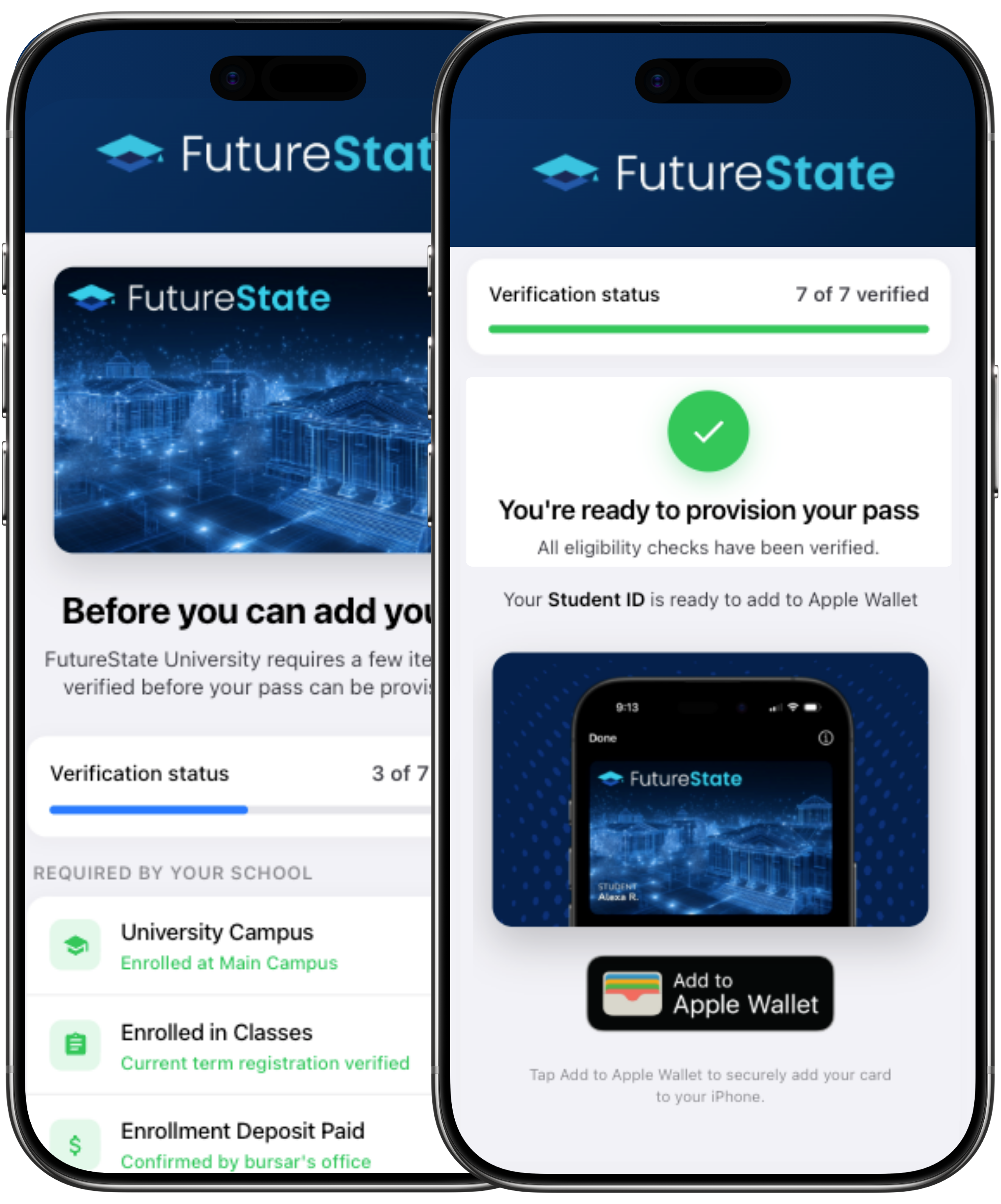
A native app for eligibility checks, balances, and pass management — provisioning, on us, ready to use on day one.
Embed Add to Apple Wallet directly inside the app your students already have on their phones — with our SDK.
FutureState doesn’t issue credentials itself — we partner with the leading credential providers and managers to bring your Campus ID or Employee Badge to Apple Wallet, through the partners you choose. Switch providers later and you don’t replace everything else.
See how FutureState brings your ID to iPhone and Apple Watch — through the partners you choose.
Your identity provider must support multi-factor authentication on the mobile device that will hold the credential.
Apple Wallet must replace the plastic ID across every use case — access, dining, library, events, printing and more.
A short readiness review covering identity, access, payments, and rollout — so your launch lands cleanly.
Get started